

WIC MOBILE
WIC Mobile extends the WIC Platform to users on the go. With real-time notifications and simple actions like sending bids or sharing results, it keeps you connected and productive wherever you are.
PROJECT OVERVIEW
MOTIVATION:
User feedback from the WIC Platform’s MVP launch sparked the idea for WIC Mobile. People wanted a more flexible, centralized way to manage notifications—and to take action from anywhere. Thus, WIC Mobile was born, offering streamlined functionality and mobility.
BENEFITS:
- Real-time notifications: Get important alerts as they happen, even when you’re away from your desk.
- On-the-go functionality: Execute critical tasks—like sending bids—no matter where you are.
DESIGN PROCESS
DISCOVERY WORKSHOP
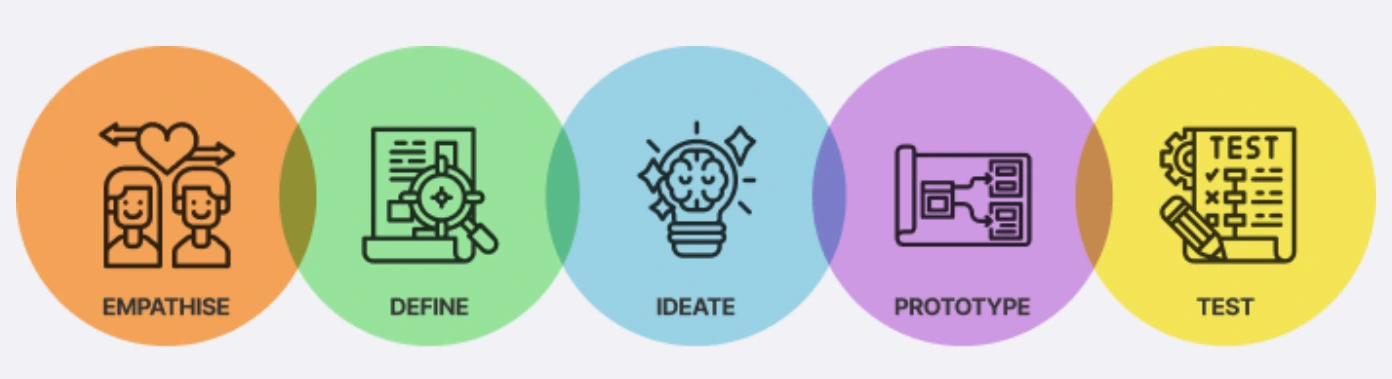
We kicked things off by bringing stakeholders together to revisit user feedback from the WIC Platform. The goal: shape a tool that goes beyond emails, enabling instant responses regardless of time and place.
OBJECTIVE
- Revisit user feedback from the WIC Platform surveys
- Develop a strategy to address unmet user needs
KEY TAKEAWAYS:
- Users wanted a centralized notification system
- Everyone agreed on the need for quick, on-the-go responses
ARTIFACTS

DEFINE PROBLEMS
By combining insights from our discovery workshop and user feedback, we identified a clear need for a mobile companion to the WIC Platform. Our focus question became:
“How might we improve the WIC user experience by offering a mobile app that centralizes notifications and supports key actions anytime, anywhere, thus augmenting user productivity and mobility?”
SKETCHING AND WIREFRAMING
I began by sketching out the core concepts for WIC Mobile. These rough visuals helped spark discussion and shaped the direction for our upcoming design workshop.
DESIGN WORKSHOP
The sketches brought to life our brainstorming session. They helped us think outside the box, enabling us to craft creative solutions for the needs we identified earlier.
By the end, we found ourselves equipped with enhanced clarity on the elements to be incorporated in the upcoming high-fidelity mockups. This productive session marked a big step toward our user-centered goals.
HIGH-FIDELITY MOCKUPS
Next, we produced high-fidelity mockups, providing a realistic feel of how the app would look and work. These set the stage for usability testing.
USABILITY TEST
We tested our prototype with five participants to see how they interacted with the app in real time.
Number of Participants: 5
KEY USABILITY TESTING FINDINGS:
- Data Consistency: Participants wanted mobile data views to align more closely with the desktop version.
- Smooth Navigation: The simple layout helped users complete tasks easily.
REFLECTION & NEXT STEPS
Despite being more streamlined than the desktop platform, WIC Mobile received enthusiastic feedback—especially for real-time notifications. We’re now handing off these high-fidelity mockups to our development team for the initial release.
Looking ahead, we plan to add more features based on real-world usage and conduct additional usability tests post-launch. By continuously gathering user feedback, we aim to refine WIC Mobile and make it an indispensable on-the-go companion to the WIC Platform.