
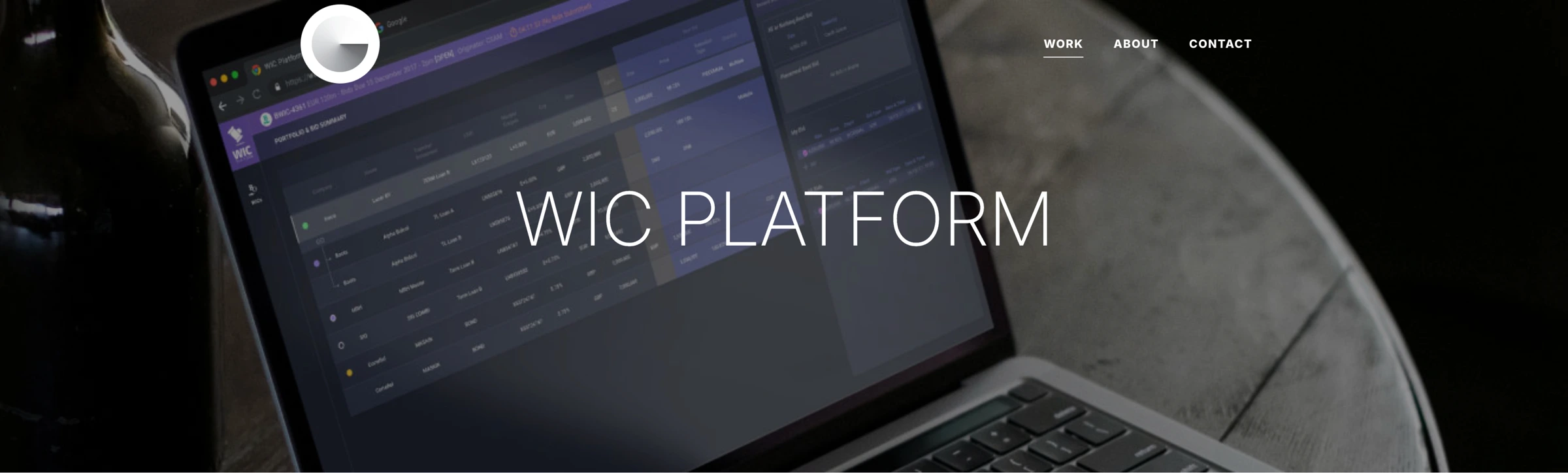
WIC PLATFORM
The WIC Platform is a tool that enhances BWIC/OWIC administration through semi-automation. It preserves the current Dealer/Client structure, while simplifying many aspects of the existing process. Importantly, it’s also built to adapt to different asset classes.
PROJECT OVERVIEW
MOTIVATION:
The WIC Platform was born out of the insights of a seasoned consultant in the loans market, who had firsthand experience with the outdated processes used for BWIC facilitation. Such experiences highlighted the urgent need for a more modern and efficient approach.
BENEFITS:
- Full BWIC bid access and transparency with sharing capability.
- Enhanced user experience with quick navigation.
- Accurate and timely cover prices.
- Instantaneous execution calculations and robust data analysis.
- Efficient notification system.
DESIGN PROCESS
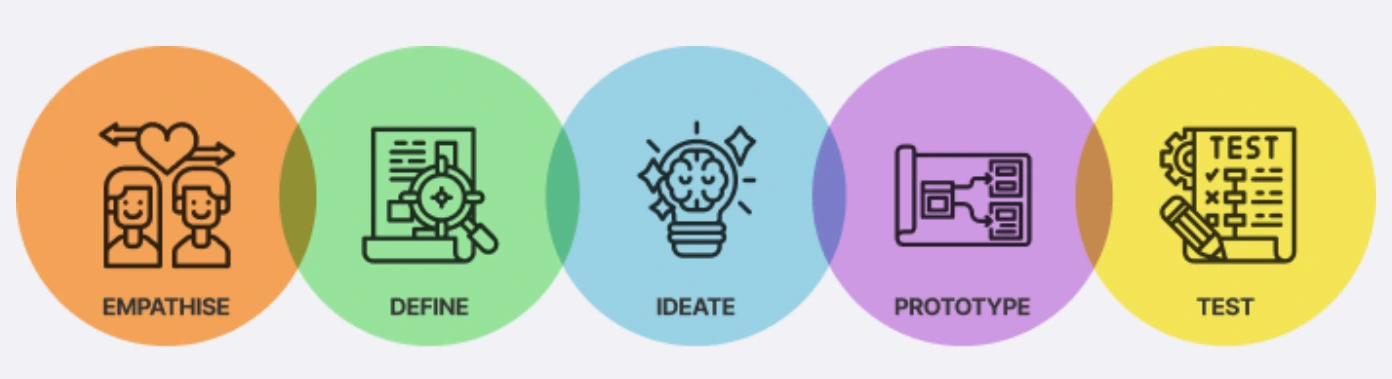
DESK RESEARCH
My first step was to explore the loans market, focusing on current BWIC/OWIC processes.
OBJECTIVES:
- Understand the loans market
- Map the BWIC/OWIC lifecycle
- Identify process bottlenecks in existing workflows
KEY TAKEAWAYS:
- BWIC/OWIC processes are crucial but often inefficient due to multiple stakeholders.
Having gained valuable insights from my initial desk research, I felt well-prepared to transition smoothly into the next activity - conduct a Discovery Workshop.

DISCOVERY WORKSHOP
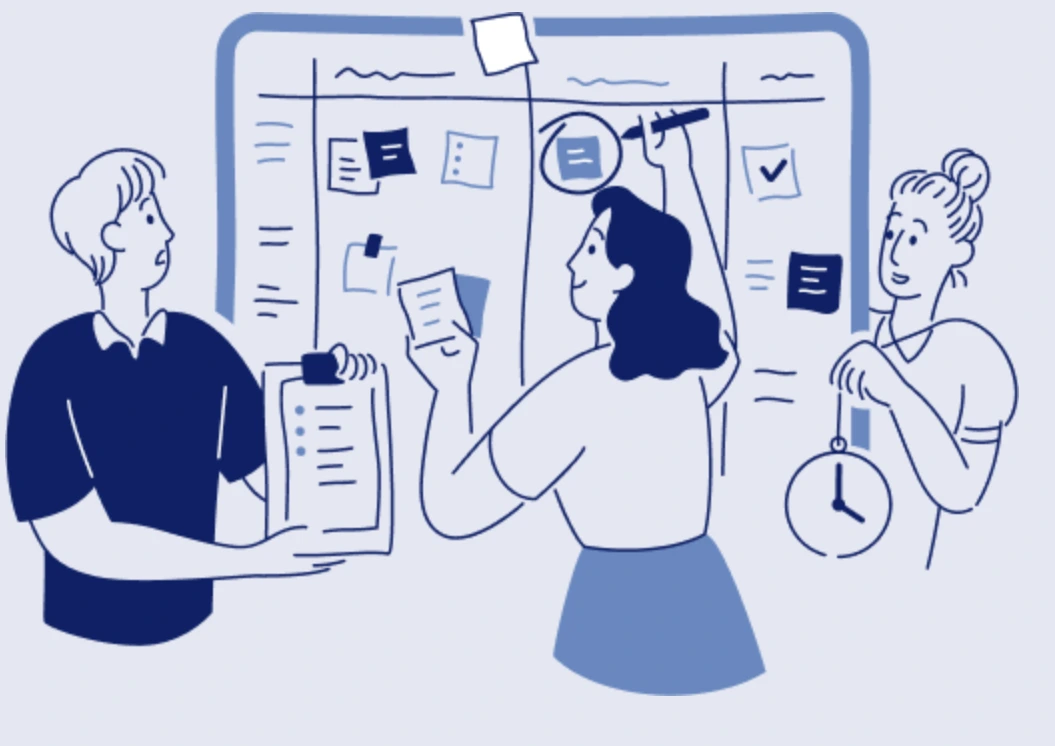
I held a workshop with internal stakeholders to validate research findings and clarify business requirements. It also helped align everyone on overall goals, scope, and milestones.
OBJECTIVES:
- Gather real-world insights into BWIC/OWIC execution
- Gauge perceptions of the current process
- Identify known user challenges
- Understand stakeholders’ expectations and align on the project’s vision
ARTIFACTS
USER INTERVIEW
Armed with insights from the workshop, I conducted user interviews to understand their daily challenges and needs more deeply.
OBJECTIVES:
- Pinpoint user pain points in the current BWIC process
- Learn about unmet needs and potential improvements
- Observe how users interact with existing tools
- Gather ideas for making the process more efficient
DEFINE PROBLEMS
After gathering user feedback, I identified specific problems faced by Originators, Dealers, and Bidders. These findings informed the areas we needed to address.
DESIGN WORKSHOP
Next, the team convened for a design workshop to brainstorm solutions and translate ideas into potential WIC Platform features.
OBJECTIVES:
- Generate diverse solutions for the challenges discovered
This Design Workshop was a pivotal moment in our journey to create a tool that not only simplified the BWIC process, but also resonated with the users by addressing their unique challenges.
FEATURES PRIORITIZATION
With a list of potential features in hand, we held another workshop to decide which ones should take priority.
OBJECTIVES:
- Narrow down features that provide the most user value and business impact
- Reach consensus on which features to include in the MVP
- Plan how and when to roll out additional features
TASK FLOWS
Moving from feature prioritization into the design phase, I created detailed task flow diagrams. These illustrated each step a user would take to accomplish key tasks, ensuring a cohesive and intuitive experience.
SKETCHES
After mapping task flows, I transformed concepts into rough UI sketches. This quick, low-tech approach helped me visualize page layouts and user interactions before moving to digital prototypes.
SKETCHES TO LO-FI PROTOTYPE
Using the sketches as a guide, I built a low-fidelity prototype to test core navigation, features, and overall flow. This allowed the team to experience the design early on and gather preliminary feedback.
USABILITY TEST
With a functional lo-fi prototype, I conducted usability testing to identify strengths and areas needing improvement.
Number of Participants: 15 (5 per user group)
KEY FINDINGS AND RECOMMENDATIONS:
- Tables needed clearer data presentation and relevance-based column ordering.
- Commonly used controls should be more accessible.
- Important actions needed confirmation prompts to prevent mistakes.
HIGH-FIDELITY MOCKUPS
Incorporating feedback from the usability tests, I refined the prototype into high-fidelity mockups. These captured visual details, interactive elements, and overall functionality. The final mockups were then handed off to the engineering team.
USABILITY TESTING OF MVP
Once the MVP was developed, we ran a second round of usability tests to confirm that the design worked smoothly in a live environment.
Number of Participants: 15 (5 per user group)
Key Findings and Recommendations:
- Screen real estate could be optimized by reducing the left-hand navigation width.
- New or updated transactions needed a clear visual indicator (e.g., colored dots).
- Originators and dealers needed more flexibility to update BWICs before sending.
- Users requested more direct control for choosing the winning bid, rather than relying solely on automatic selection.
REFLECTION & NEXT STEPS
A key insight was how vital it is to preserve familiar workflows while introducing improvements. This balance helped users adapt without feeling overwhelmed by drastic changes. Overall, feedback has been positive: users appreciate the platform’s efficiency gains yet value the continuity of some established processes.
To address scenarios where users aren’t at their desks, we plan to roll out a mobile app for notifications and basic actions. This will keep users connected and informed wherever they are.